
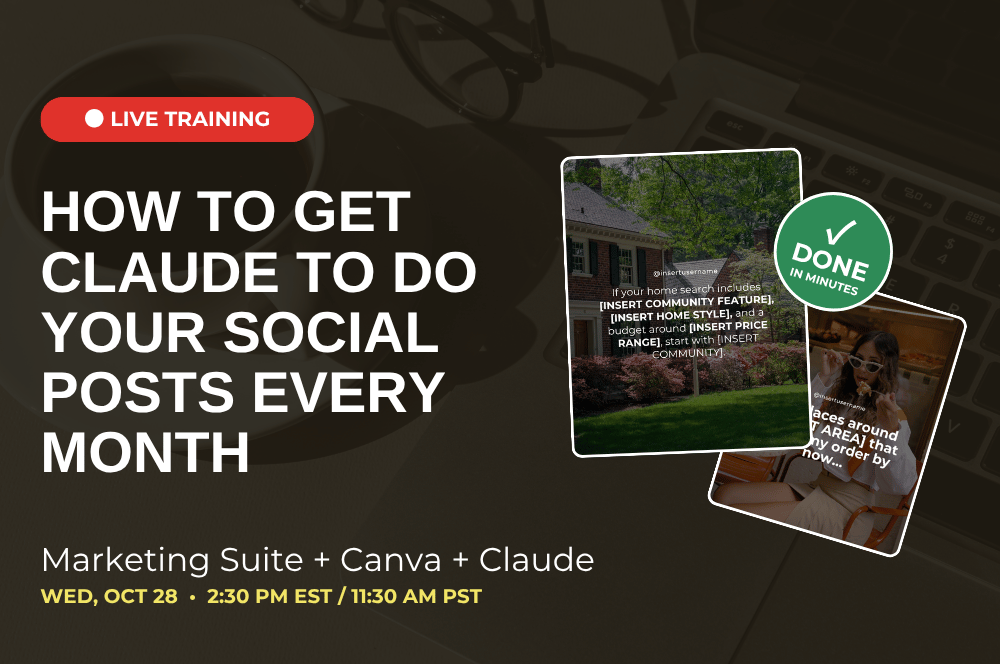
Want the hack for staying consistent on social without adding more to your plate? Get AI to do the work for you by leveraging your Marketing Suite + Canva + Claude!
In this training, we'll show you how to connect Claude directly to Canva to create your monthly social posts.
Claude researches your market, completes every prompt, and then goes right into Canva to fill in your templates and edit your captions. What used to take hours each month now takes a fraction of the time, and it's still personalized to you!
We'll walk you through a simple setup that teaches Claude your brand, your voice, and the exact areas you want to be known for. Not just your city, but the communities, neighborhoods, and sides of town you focus on. From local real estate and local lifestyle to your 'about me' posts, you'll see how easy it is to stay consistent every single month!
The best part? We're doing it live! Join us as we create November's social content together, so you can walk away with your posts done for the month.
We’re diving into:
Setting up Claude so it knows you and your hyper-local market
How Claude, Canva and The Marketing Suite work together
Getting Claude to research, fill in your Canva templates, and edit your captions
How to use this setup to save time month after month
How to review your content (and get edits from Claude!) before posting so it's accurate and sounds like you
When:
Wednesday, October 28th at 2:30PM EST/11:30AM PST